One platform or a stack of tools? How to actually decide
When putting sales, operations and support in one system beats buying the best tool for each job, and when it doesn't.
The short answer
One platform usually wins when your real costs are re-typing data between tools, keeping integrations alive, and paying per seat in several apps. A specialist tool still makes sense when one team needs depth nothing else offers and the rest of the business rarely touches that data.
Nobody sets out to run a business on twelve tools. It happens one reasonable decision at a time. Sales needs a CRM. Support gets busy, so you add a helpdesk. Delivery wants a project tool, finance wants invoicing, and eventually someone wires it all together with Zapier so the same customer doesn't have to be typed in four times.
What the subscriptions don't show
The monthly fees are the easy part to see. The rest is quieter:
- The same customer gets typed into the CRM, then the helpdesk, then the invoicing tool.
- Every link between two apps is something that can break without telling anyone.
- Giving finance or operations access means buying more seats, so they don't get access, and they work from exports instead.
- Nobody can see in one place what a customer bought, what's open with support, and what's still being delivered.
When one platform is the better call
It tends to win when several teams touch the same customer over a year, when people spend real time moving data around, and when you keep wanting small internal tools (an approval flow, a tracker, a checklist) that don't justify another subscription. Per-seat pricing that keeps half the company out of the system is another sign.
When to keep the specialist
Keep it when one team needs depth that no platform has and nobody else needs its data. The goal isn't zero tools. It's not paying for a tool whose only job is to make up for the others not sharing.
Where Hyegro fits
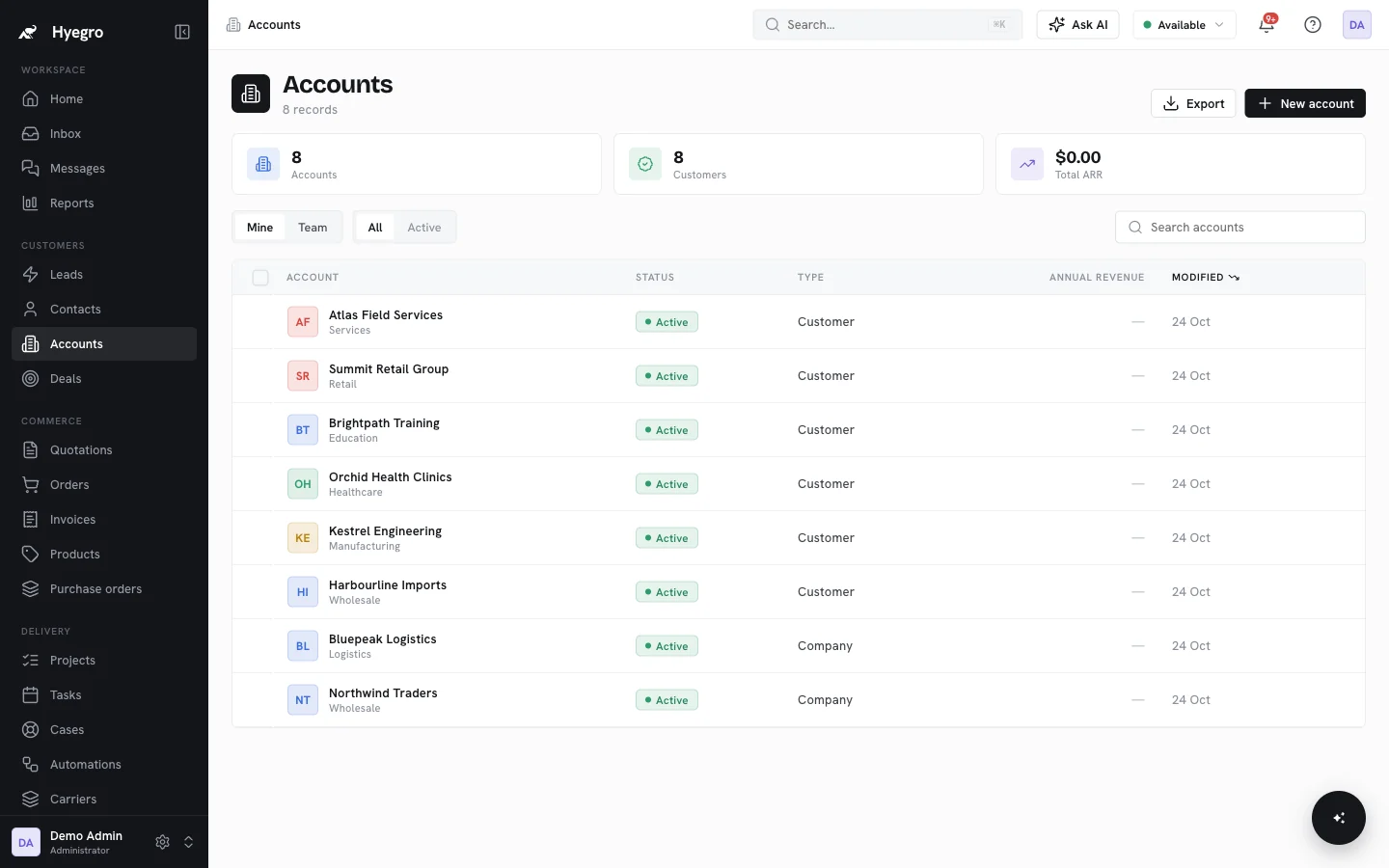
Hyegro puts sales, marketing, operations and support on one set of records, with unlimited users on every plan. Rather than a fixed template, Set up with AI proposes the record types, stages and automations your business needs, and builds them once you've approved the plan.
If you want a number, the ROI calculator only uses the prices and hours you type in.