Moving off HubSpot, Salesforce or Zoho without losing a week
A checklist for moving your CRM data and setup to a new system, written from the mistakes people usually make.
The short answer
To leave HubSpot, Salesforce or Zoho CRM, list what you actually use, clean and de-duplicate it, map it to the new system, run a test import, then switch over with a short freeze on edits. Hyegro's import connectors read your current setup and move the data, which takes most of the manual mapping off your plate.
The software is rarely the hard part of switching CRMs. The hard part is years of fields nobody remembers adding, pipelines with stages nobody uses, and an automation from 2021 that somebody still depends on without knowing it.
1. Write down what you have
List the record types (contacts, companies, deals, tickets, anything custom), the fields people actually fill in, your pipelines and stages, and every automation that's switched on. Ask leadership which reports they open every week.
2. Decide what to leave behind
A migration is the cheapest moment you'll ever get to drop dead fields and stale records. If nobody has opened it in a couple of years, archive it rather than moving it.
3. Clean it up first
Merge duplicate contacts and companies, tidy up picklist values, and fix the obviously broken data before it moves. It won't get cleaner on the other side.
4. Map old to new
Match each record type and field to where it'll live. If you're moving to one platform, this is also the time to bring in what lived outside the CRM: support tickets, projects, invoices.
5. Test, then switch
Run a test import and have a couple of people check records they know well. Then pick a day, freeze edits in the old system, and move.
What Hyegro does for you
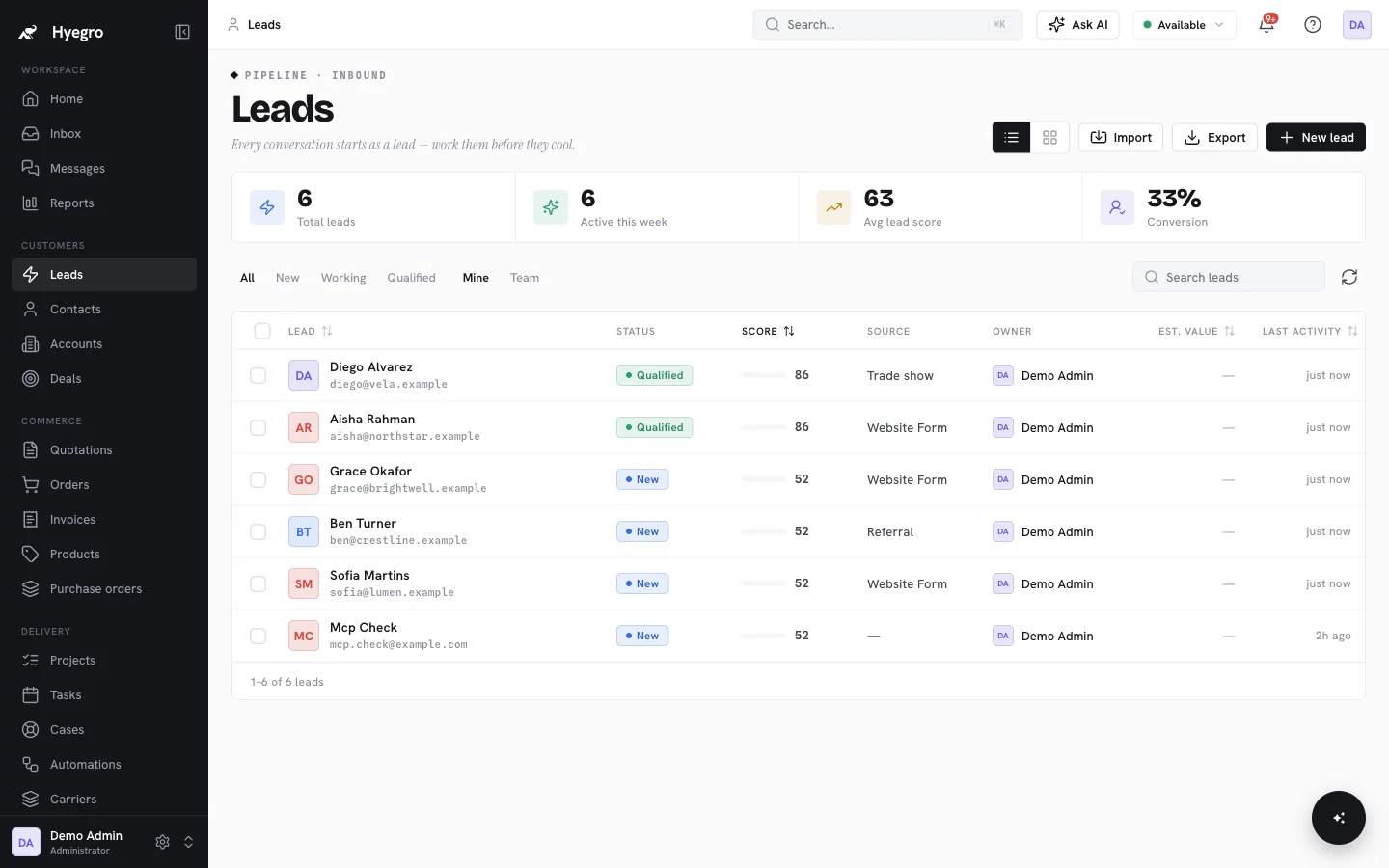
Hyegro's import connectors for HubSpot, Salesforce and Zoho CRM read your existing setup and move the data, so step 4 starts from a suggested mapping instead of an empty spreadsheet. Imported rows don't count towards your monthly allowance; see pricing.
Planning a move? Tell us what you're on now and we'll do it with you during onboarding.