What an MCP server is, and why permissions matter more than the protocol
A plain-English explanation of the Model Context Protocol, and what to check before you let an AI assistant near your CRM.
The short answer
An MCP server is a standard way for AI assistants like Claude, ChatGPT, Cursor or VS Code to read and act on another system's data through a set of defined tools. For business data, the part that matters is that the server acts as the signed-in person, so the assistant can only see and change what that person already could.
AI assistants get a lot more useful once they can touch your real data. "Which deals have been stuck in negotiation for a month?" "Make a follow-up task for everyone who came to yesterday's webinar." The Model Context Protocol, MCP, is becoming the standard way to make that connection.
How it works
An MCP server offers a list of tools, things like search leads, update a deal or create a task. An assistant that speaks MCP reads that list and calls the tools as it works through what you asked.
The part people skip
The risky way to connect an assistant to business data is a single API key that can see everything. At that point the assistant, and anyone using it, effectively has admin access.
The safer design is for the MCP server to act as the person who's signed in. Every call gets checked against their role and permissions, exactly as if they'd clicked through the app themselves. If they can't see payroll, neither can their assistant.
How Hyegro does it
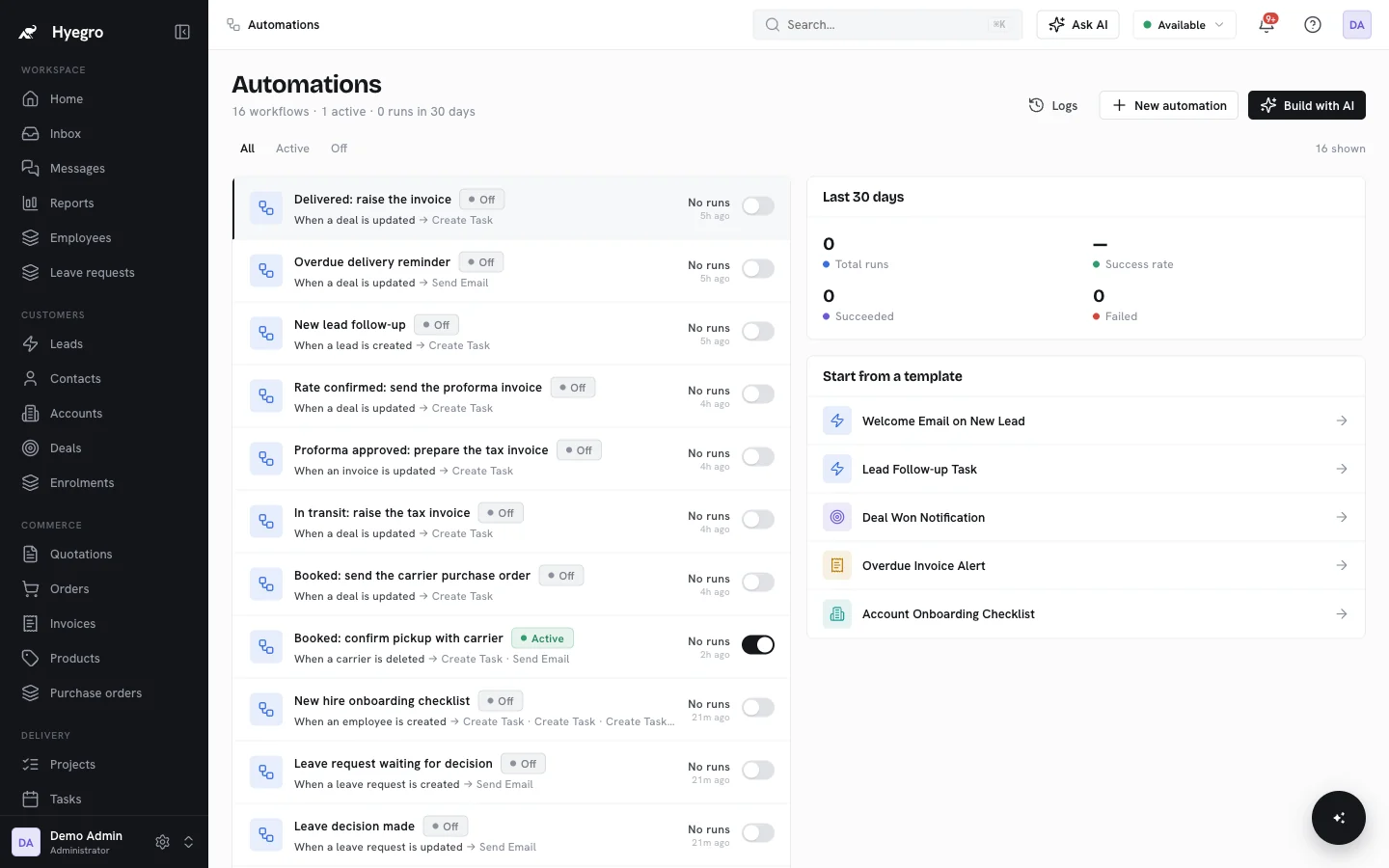
The MCP server is built into Hyegro, with tools across leads, contacts, accounts, deals, projects, orders, invoices, quotations, automations and users. Every tool runs as the signed-in person.
There's a side benefit to having everything in one workspace: one connection gives an assistant sales, delivery and support context at once, instead of a separate integration for every app.
More on Hyegro Super Intelligence.