Getting WhatsApp off one person's phone and into a team inbox
How a shared WhatsApp Business inbox works, what you need from Meta, and why it should sit next to your customer records.
The short answer
A shared WhatsApp Business inbox connects your number through Meta's Cloud API to a team tool, so several people can read and reply from one place. Connect it to your CRM and every conversation lands on the right lead or customer, instead of living on one person's phone.
For a lot of businesses, WhatsApp is where customers actually answer. The trouble is that it often lives on one salesperson's phone, invisible to everyone else, and it leaves with them when they do.
The app versus a shared inbox
The WhatsApp Business app is made for one device. A shared inbox uses Meta's WhatsApp Business Cloud API instead, so messages arrive in a team tool where several people can read and reply.
You'll need a Meta business account, Cloud API access with a number to connect, and somewhere for the messages to land. Ideally that's the same place your customer records are.
Why next to the CRM
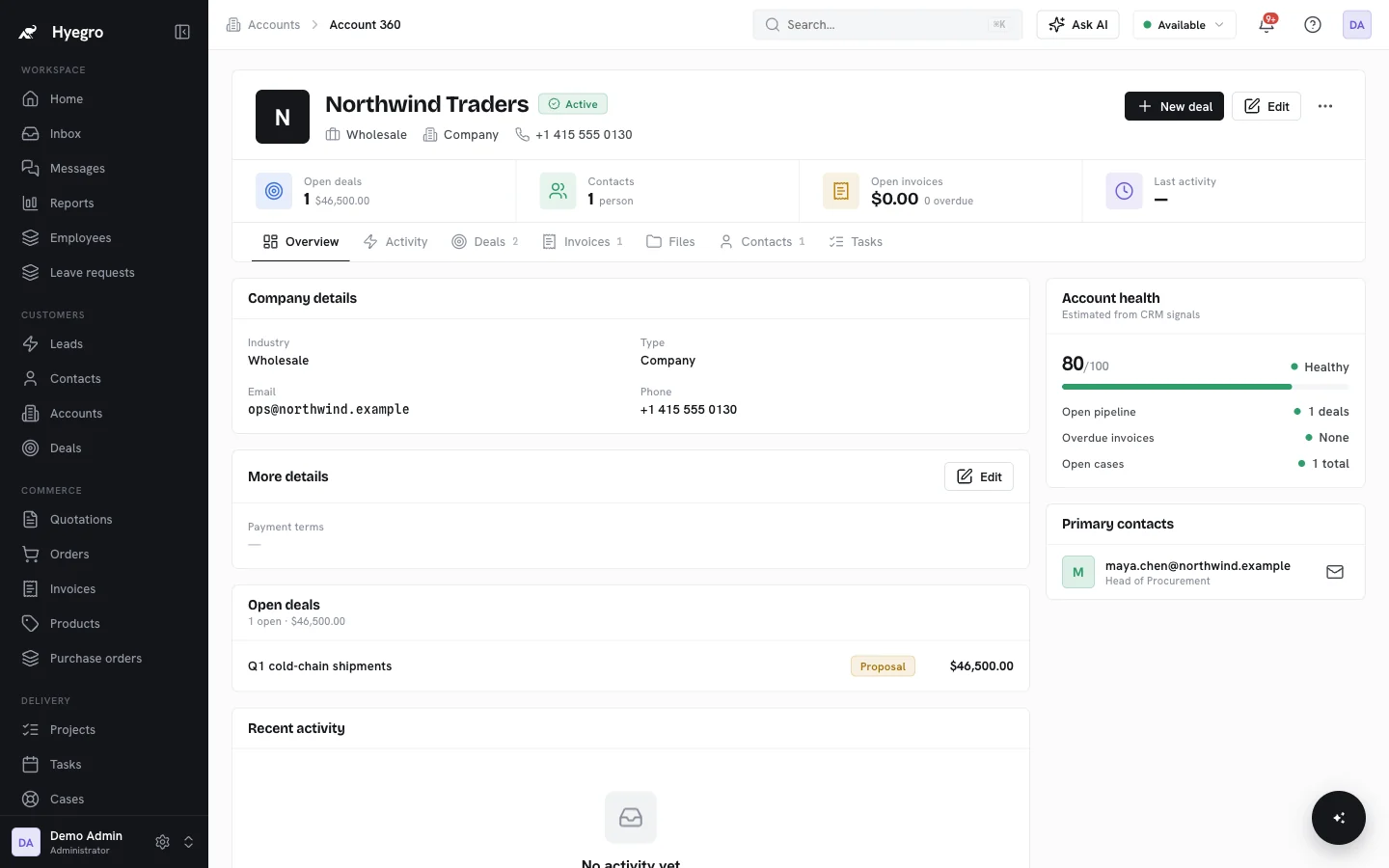
In a standalone inbox, someone still has to figure out who's writing and what's going on with their order. In Hyegro, WhatsApp, Messenger and email all land in one inbox tied to the record. A new number becomes a lead. A message from an existing customer shows up next to their deals, orders and cases. Agents can mark themselves available or away.